T2200S forms will be shared via Google Drive today
To: All employees
As mentioned in our communication on February 18, 2022, the form T2200S - Declaration of Conditions of Employment for Working at Home Due to COVID-19 is being prepared for everyone who was employed at Ryerson University between January and December 31, 2021.
These forms are now available and will be shared with you via Google Drive later today.
How to download your form
Important note: You will need to access the form from your Ryerson Gmail account. You will not be able to access the form using a personal email account. Please do not forward the email to others as they will not have access to the form.
You will receive an email from “Ryerson Financial Services” with the subject line “Your T2200S form”. Your form has been encrypted for added security. Your email may display a warning:

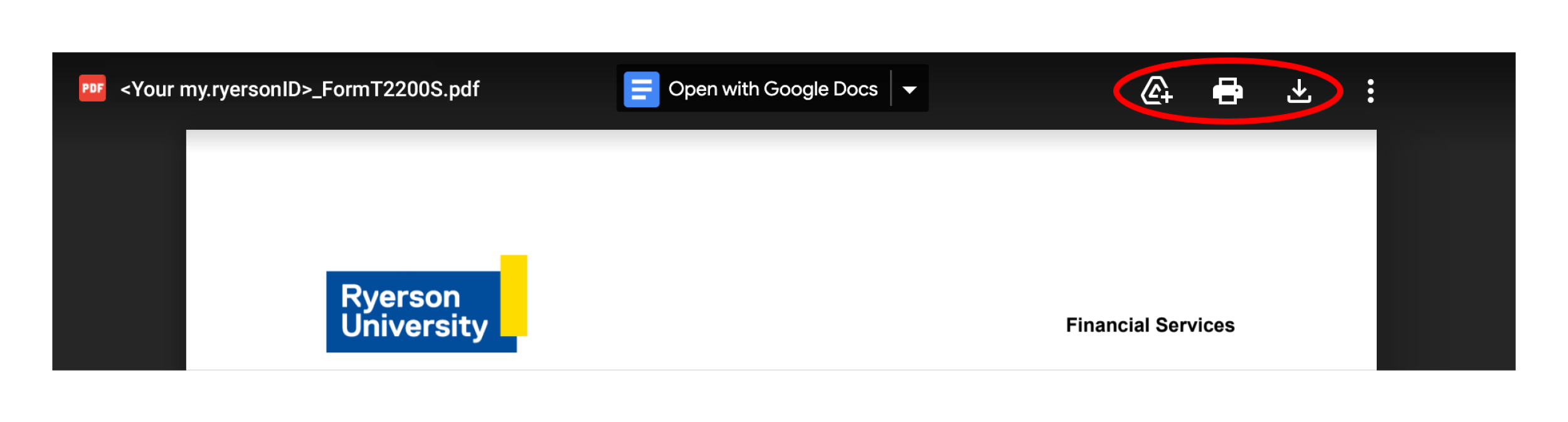
Please click on the link in the email to preview your form. It should appear as:
<Your my.ryersonID>_FormT2200S.pdf.
Using the icons at the top right, you can add a shortcut to your drive, print or download your form.
Who is eligible to make a claim using the T2200S?
Important note: Receiving this form does not confirm that you are eligible to make a claim on your personal income tax return.
According to the CRA, certain criteria must be met in order to be eligible to make a claim. The University does not take on any responsibility with respect to the decision of an employee to make a deduction on their tax return. This communication and all resource materials provided are not to be considered tax advice. Please consult your tax advisor.
Former employees
Those who worked at Ryerson between January 1 and December 31, 2021 but are no longer employed with Ryerson will need to contact Andrea Skyers at askyers@torontomu.ca to request their T2200S.
Troubleshooting
Please contact fishelp@torontomu.ca if you have not received an email with your form by tomorrow or if you are having difficulty accessing your form.
Questions?
Please review the CRA website (external link) for more information.