Software Available in Labs
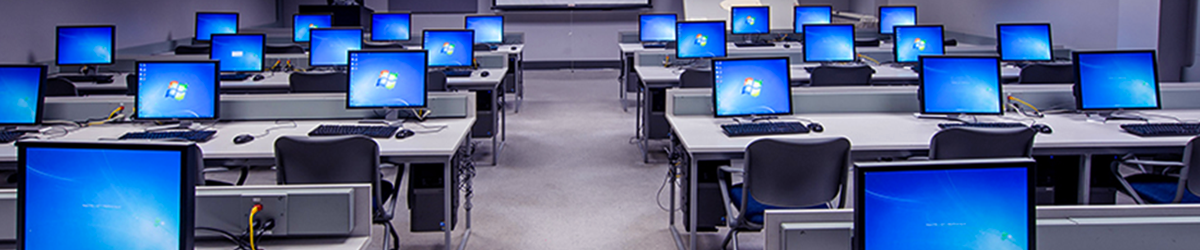
Toronto Metropolitan University has made a standard list of software available on all academic computing services (ACS) lab computers whereas specialized software is available only in specific labs. Please refer to the list below to confirm locations for the software you need.
For help locating our labs, please refer to the (PDF file) academic computing labs map.
Standard software suite found in ACS labs
(KHW71, KHW71A, KHW71B, KHW71C, KHW71F, LIB386L, LIB393)
- Adobe Creative Cloud (CC) (read instructions)
- ArcGIS
- AutoDesk AutoCAD
- AutoDesk Revit
- Eclipse IDE
- Edge
- Google Chrome
- Google Drive File Stream
- Microsoft Office Suite
- Access
- Excel
- InfoPath
- OneNote
- Outlook
- PowerPoint
- Publisher
- Word
- Matlab
- Mozilla Firefox
- Notepad++
- PuTTy
- SAS
- Solidworks
- SPSS Statistics
- VLC Media Player
- WinSCP
Specialized software in KHW71B
KHW71B lab computers offer all software listed above as well as the following:
- ANSYS
Software lists are current as of August 2026.