You are now in the main content area
Reports Tool Overview
What AEM authors can do with the AEM Reports Tool:
- Run reports on assets, pages, and authors (tags coming soon)
- Find and analyze all pages and assets across your website(s)
- View detailed information such as last edited date, publish status, editor details, titles, and template types (tags coming soon)
- Identify oversized or non-compliant files
- See who is assigned to which site(s)
- Keep track of authors assigned to your groups
- Create reports for audits, compliance, or decision making
When using this tool, remember to review the TMU Website Deletion Protocols.
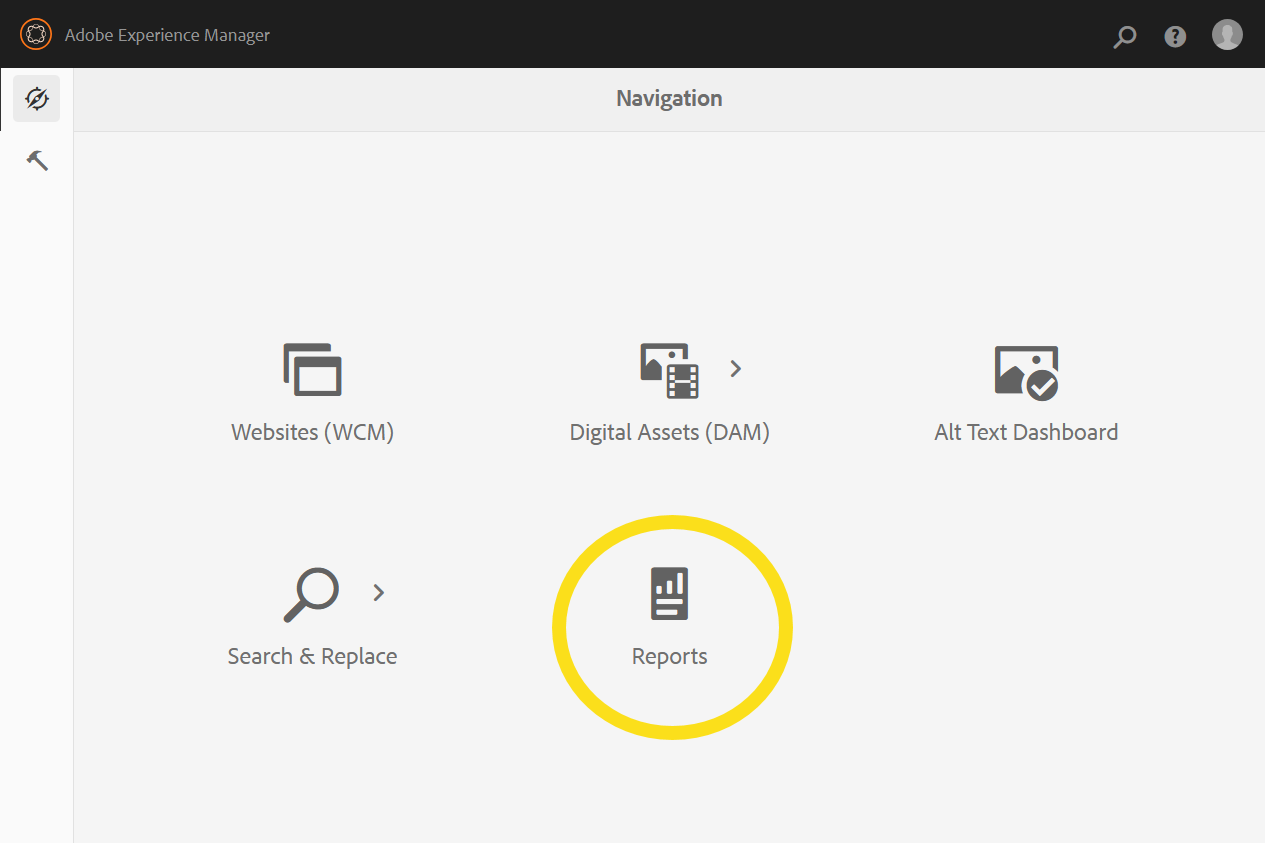

Report types:
| Report | Scope | Report details include: |
| Assets | All assets, oversized assets, unpublished assets | Asset name, size, publication status, location, author information |
| Author & Group |
|
All authors in a group/website |
| Pages | Comprehensive data on a single site | All pages, page paths, template types, titles, last modified/created dates and authors, publication status, last replicated details, meta keywords, descriptions |
| Site Summary | Site path, total page counts, inherited content, news, events, redirects, archives, last edited pages, current group editors | |
| Reference Components & Advanced Search | Lists of content referenced by components, advanced search results | Component usage, content relationships, searchable metadata |
Published versus Unpublished
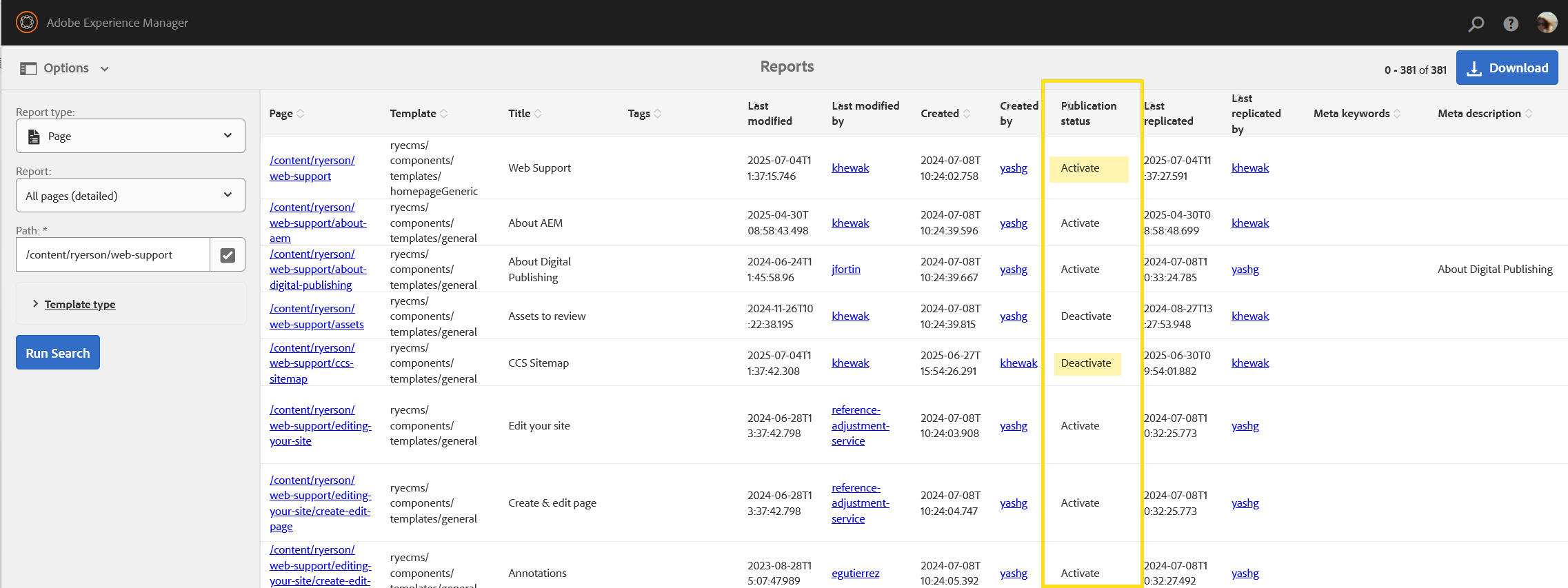
In the Reports Tool results, the 'Publication status' column indicates published assets/pages using the term 'Activate'.
"Deactivate' means that a page or asset is unpublished.