You are now in the main content area
Having problems logging in to AEM?
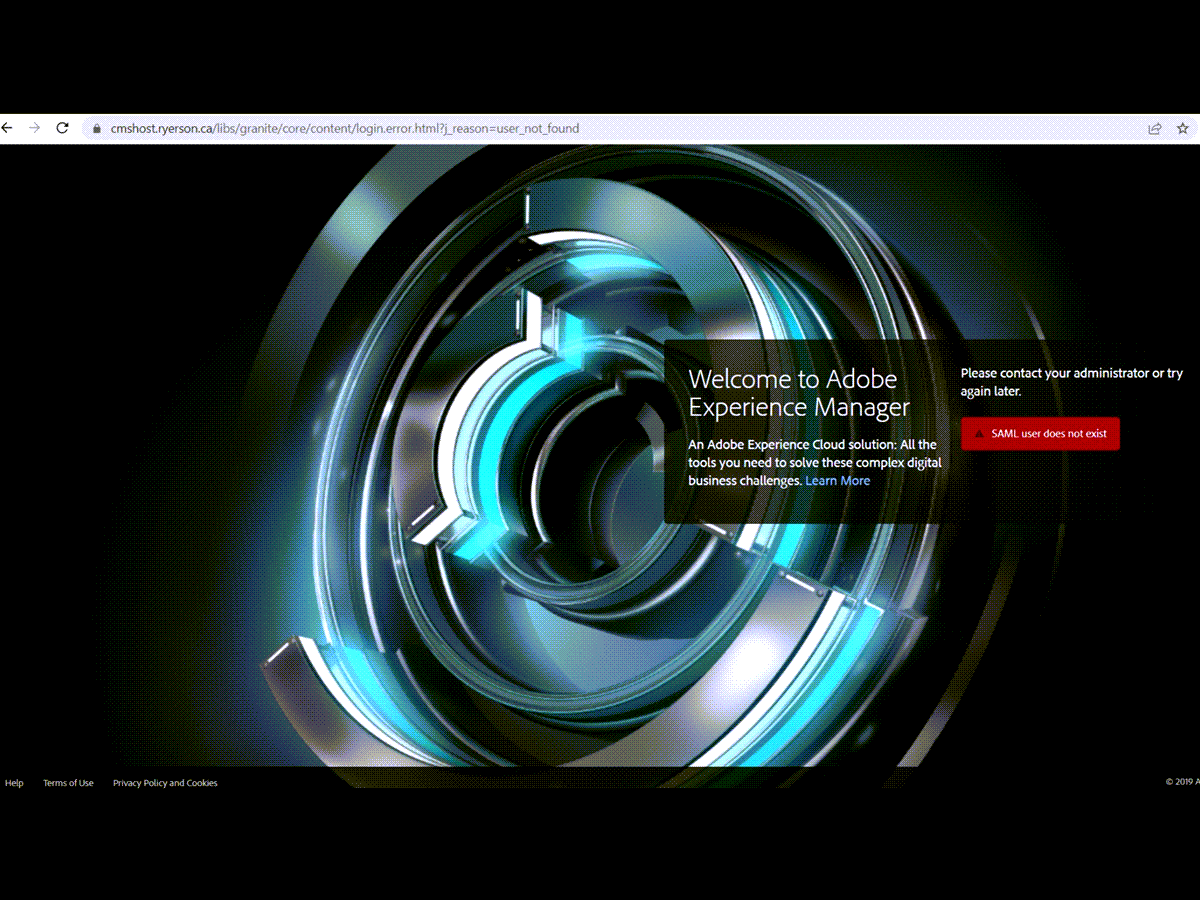
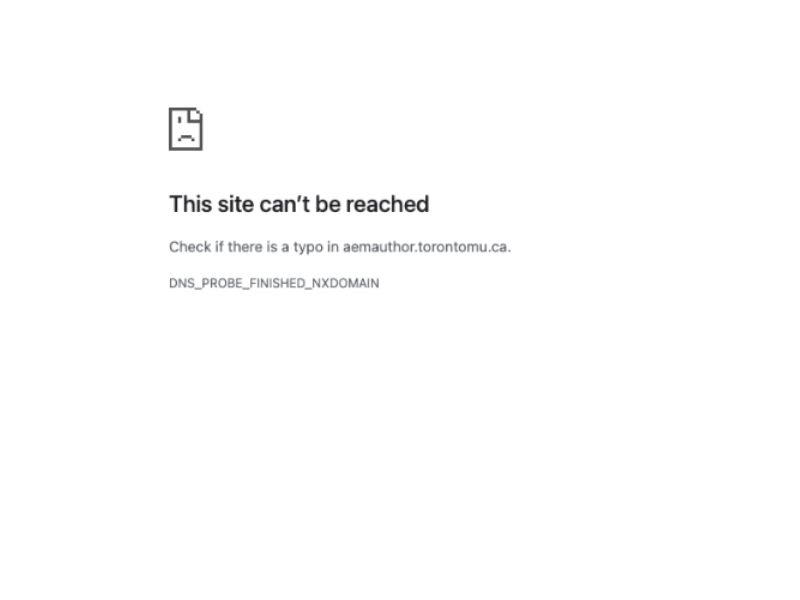
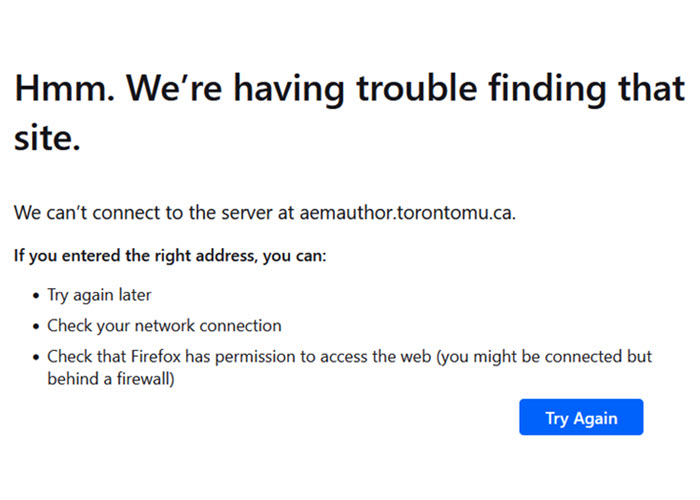
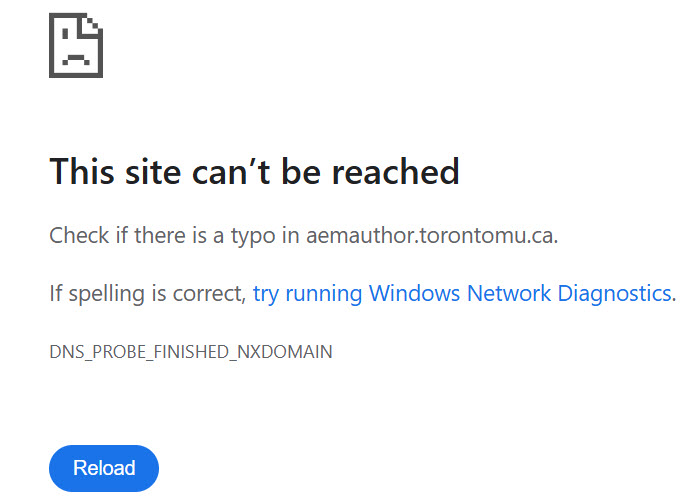
When you attempt to log in to AEM, do you see one of the following error messages?
If yes, check that your staff VPN is running before you try to log in.
Other reasons you can't connect to AEM:
- You didn't complete AEM training and have not yet been added to AEM.
- TMU-VPN (staff or vendor VPN only) was not running before you attempted to login.
See: torontomu.ca/web-support/getting-started/connecting-off-campus - You did not use your staff username and password.
- If the 'end date' of your employee role has passed, your VPN is turned off automatically. This prevents you from connecting to AEM. Please contact your manager to discuss your contract renewal status.
When a staff role is renewed, VPN should be re-enabled automatically. If your contract has been renewed and VPN is not working, please do one of the following:
a) Login to my.torontomu -> Self Service -> Personal Account -> Security -> Manage My VPN Access, or
b) Submit a ticket via IT Help to ask whether your VPN is currently active. - If you are using windows 10, you must update windows (opens in new window) ; if you are using an apple device running macOS 13 (Ventura), upgrade your OS (opens in new window) .
- If none of the above are true, please submit your issue to our team.