SRC data privacy guidance: protecting personal information
SRC data privacy guidance
Protecting personal information
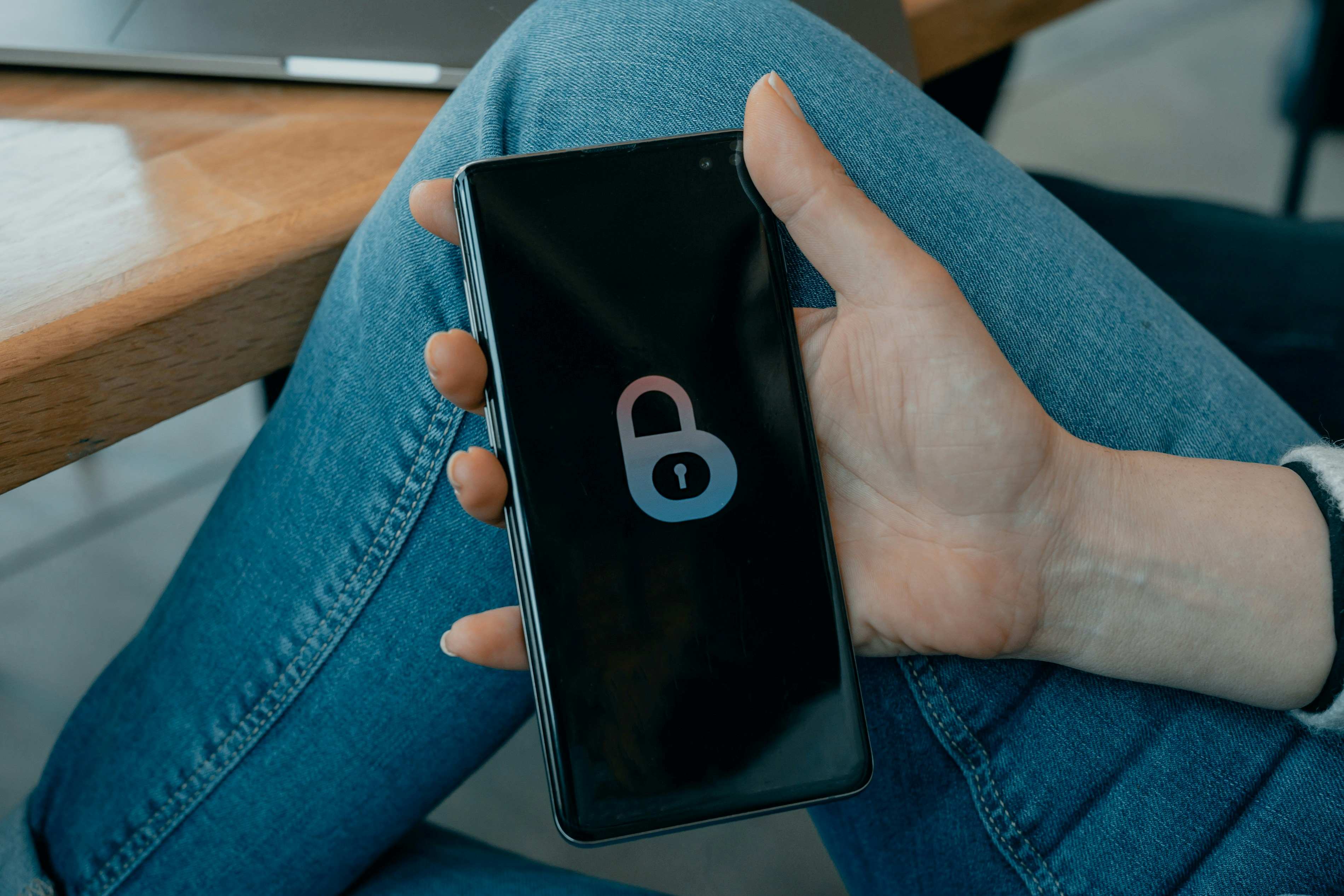
As members of the TMU community, we share a collective responsibility to safeguard Personal Information (PI)—whether it pertains to research participants, students, or faculty.
In practice, protecting personal information often comes down to everyday habits—how data is stored, shared and accessed. The following practices highlight simple steps you can take to reduce privacy risks and better protect personal information. This guidance is particularly critical for those accessing data via mobile devices or working from remote and international locations.
Your obligations
Under TMU’s Privacy and Access to Information Policy, all community members are obligated to protect PI. Following the 2025 updates to the Freedom of Information and Protection of Privacy Act (FIPPA) via Bill 194, you must:
- Maintain rigorous security standards for protecting all handled data.
- Immediately report any privacy incidents or breaches following the Privacy Breach Protocol.
Practical privacy and security tips
To minimize the risk of data exposure or loss, follow these key practices:
1. Secure storage and access
- Avoid local storage: Do not store PI directly on your laptop, phone, or tablet. Use TMU-approved cloud solutions (e.g., Google Drive) or dedicated institutional applications.
- Logout when not in use: Always log out of devices, research databases and cloud storage when you are not actively working. Logging out after every session provides an extra layer of protection.
- Use secure file sharing: Never send sensitive PI as an email attachment. Instead, send a secure link to the file stored on an approved drive.
- Verify recipients: Double- and triple-check email addresses before hitting send. Misdirected emails remain the primary cause of privacy breaches at TMU.
2. Device management
- Protect your devices: Never leave devices unattended in public spaces. Ensure all devices are encrypted and physically secure at all times.
- Enable recovery tools: Enable "Find My Device" or location services. Ensure your device is configured for a remote wipe in the event of theft or loss.
- Remove temporary files: If you must temporarily store PI locally, move it to secure storage or delete as soon as possible. Remember to empty the trash or bin to permanently delete local copies.
3. Threat awareness
- Beware of phishing and targeted attacks: Researchers are frequent targets for malicious actors. Exercise extreme caution; never click on suspicious links and always verify the source of an unexpected communication.
- Be cautious when travelling: Be extra vigilant when working abroad. In 2025, there was a significant increase in reports of stolen devices from international locations.