Faculty & Staff
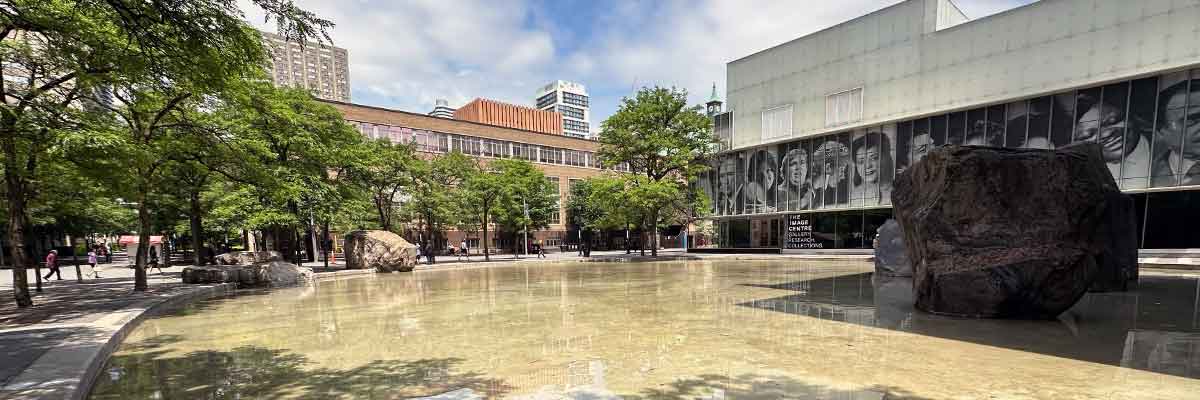
After receiving your card, it will remain valid throughout your employment at TMU and grant you access to campus buildings and university services.
If you are an existing employee who has lost their OneCard, visit the replace your card page and follow the instructions.
New employees
Step 1: Contact HR Client Services to obtain your employee number
For hiring that is completed through HR, you will receive your employee number in the welcome email that is sent by the HR partner assisting with the hire.
Alternatively, you can submit a request to HR for your employee number via AskHR.
Step 2: Pick-up your OneCard
Once you’ve received your employee number, you may pick-up your OneCard from the OneCard Office during the following dates and times:
Downtown Toronto campus
| Date: | Hours: | Location: |
| Monday to Friday | 9 a.m. to 4 p.m. | POD-48 |
School of Medicine OneCards
For faculty, staff and clinical faculty who only visit TMU’s School of Medicine location in Brampton, you will still require a OneCard for building access.
Please submit a photo for their OneCard and their employee number to onecard@torontomu.ca.
Suitable photo location and setting
Employees are encouraged to submit a photo for their OneCard and their employee number to onecard@torontomu.ca prior to going to the OneCard Office. However, photos can be taken on site and your card will still be issued within minutes.

- A brightly-lit space with even light distribution.
- A white background with no other objects or people in the frame.
- A strong contrast between the background and your head.
- Ensure you are in front of the camera with enough room so that your face and shoulders are centered and square before it.
- Ensure your head or face are not cropped.

- Do ensure your photo is in colour (no filters or digital alteration).
- Do ensure your face is fully clear and visible.
- Do position yourself in front of the camera so that your face and shoulders are centered and squared before it.
- Do ensure there is uniform and clear lighting.
- Do ensure the camera is in sharp focus on your face.
- Do feel free to smile (no “silly” or distorted faces).
- Do ensure your photo reflects your current appearance.
- Do take the photo in front of a uniform, white background with no one or anything else in the frame. There should be contrast between it and your head.
Accepted documents
To pick-up your OneCard, you must bring one of the following pieces of government-issued identification with you. If you do not possess any ID issued by a Canadian federal, provincial or territorial government, you must present a passport.
Present one of the following documents as as means of identification:
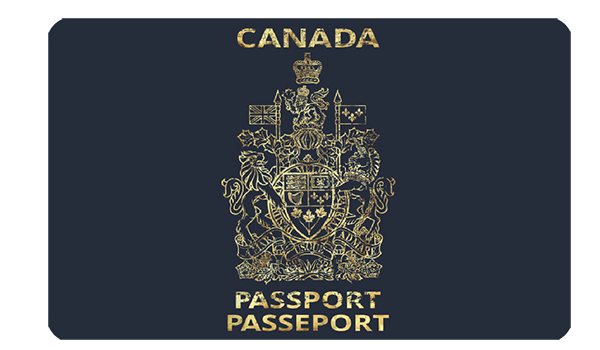
Passport
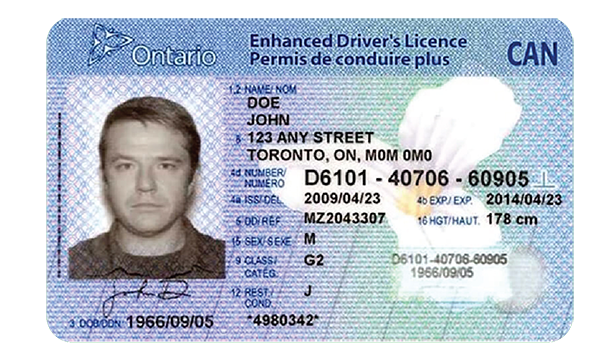
Driver’s Licence
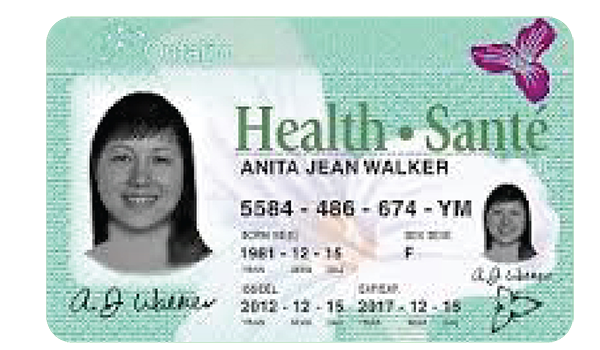
Photo Health Card
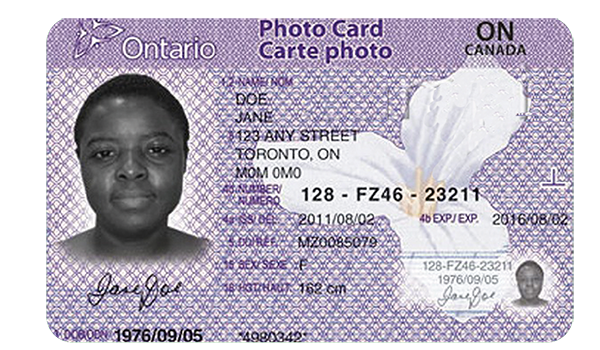
Ontario Photo Card
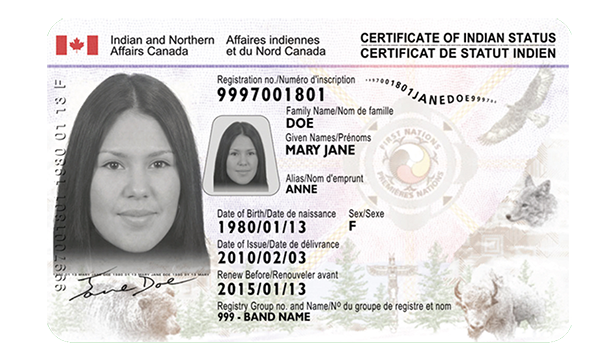
Secured Certificate of Indian Status Card
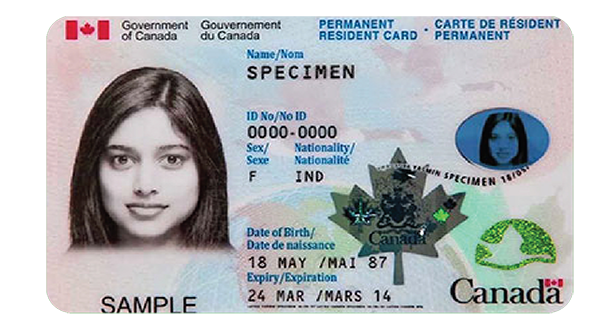
Permanent Resident Card
Requirements
- Original documents will be accepted. Copies will not be accepted.
- All documents must be valid. Expired documents will not be accepted.
- The name on your documents must match your primary name on file with Toronto Metropolitan University.
If there has been a name change, a marriage certificate and/or other documentation supporting the name change must be provided.