-
Log in to my.torontomu.ca (opens in new window) .
-
Click on MyServiceHub.
-
Click on eForms Center (bottom right).

-
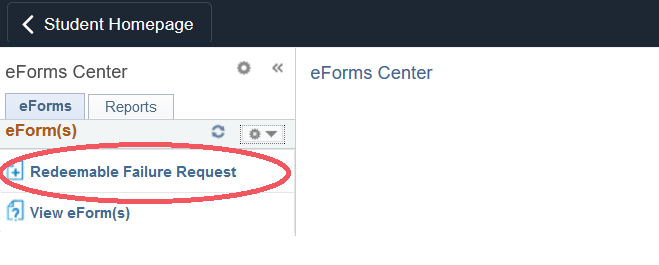
Click on the Redeemable Failure Request Form in the eForms Center.
-
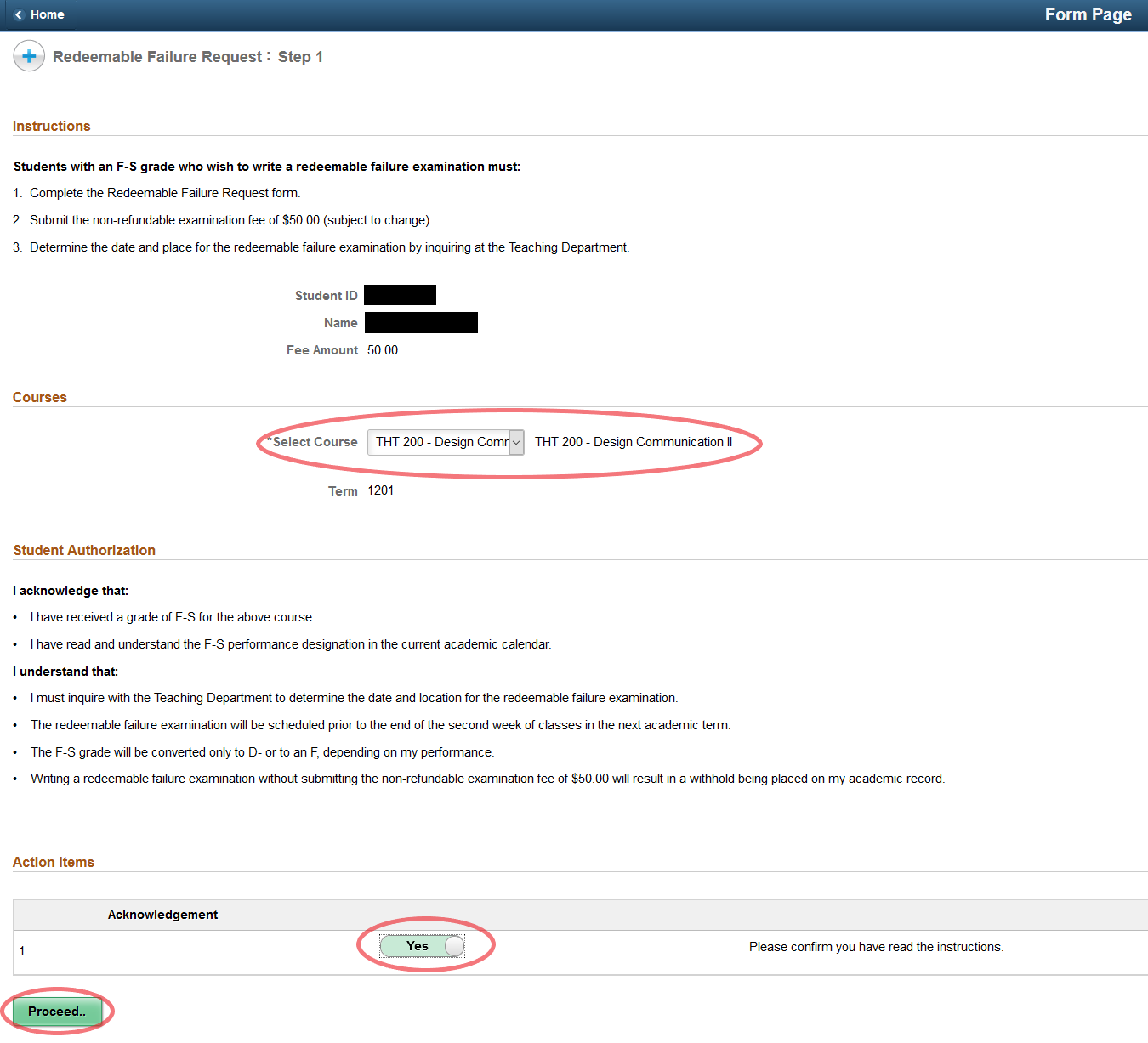
Select the course to which the Redeemable Failure Request is being applied. Carefully read the acknowledgement items, select Yes to agree to the terms, and click Proceed to continue to the payment screen.
-
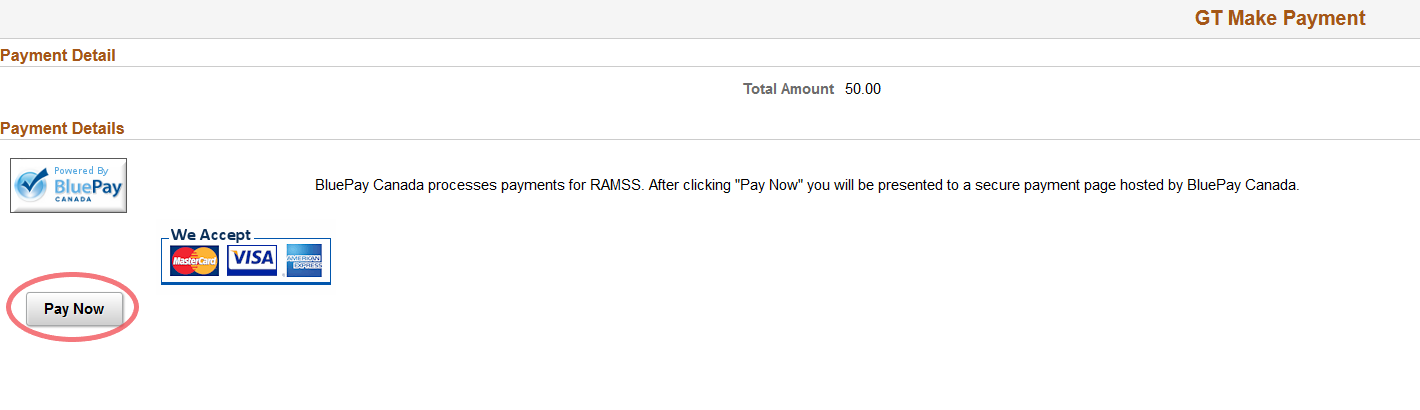
Each Redeemable Failure Request requires a payment of $50. Click on Pay Now to proceed to BluePay Canada screen.
Note: Please ensure that your browser is set to enable popups in order to proceed with the payment process.
-
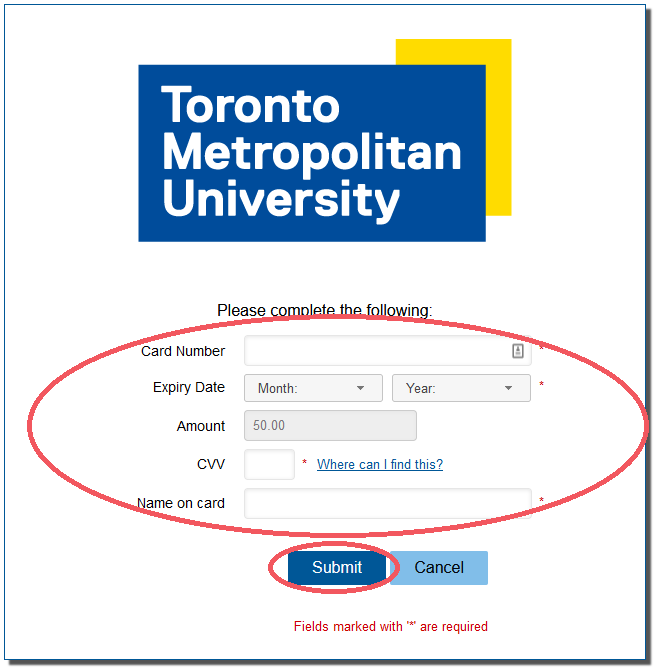
Enter your credit card information and click Submit to complete the transaction.
-
Please remember to contact the teaching department as soon as possible to schedule a redeemable failure examination.